
b2b sales intelligence tools
|2026-05-07
10 Best B2B Sales Intelligence Tools for 2026
Find the right B2B sales intelligence tools for your team. We review the top 10 platforms, comparing features, accuracy, pricing, and use cases for 2026.
Monday starts with a familiar cleanup job. Reps are chasing accounts that changed ownership, sequences are hitting stale emails, and the CRM has three versions of the same contact with different phone numbers. By noon, RevOps is comparing exports from multiple vendors and finance is asking why usage costs jumped again.
That pattern usually points to a stack design problem, not a single bad tool. One platform gives you contact data, another handles verification, another enriches firmographics, and a fourth manages outreach. The gaps between those tools create significant costs: manual QA, duplicate records, missed handoffs, and low confidence in the data your team is using to prospect.
This is why b2b sales intelligence tools need a more practical evaluation than a feature checklist. The right decision comes from how well the tools work together, how reliably they maintain data quality, and how predictable the economics stay once your team is using them every day. If the data layer is inconsistent, pipeline creation gets harder, attribution gets noisier, and reps lose time they should be spending in live opportunities.
Analysts expect more of the sales workflow to be automated over the next few years, and many organizations are already adapting their process to match that direction. The important shift is not just adding AI or buying a larger database. It is building a stack that combines contact discovery, enrichment, validation, intent, and execution in a workflow your team can operate.
That is the lens for this guide. We will look at the major platforms on their own merits, then evaluate how they fit into a working sales intelligence stack. That includes a close look at AI-native options such as RevoScale, especially for teams that want better accuracy and want to avoid credit-based pricing that turns routine enrichment and cleanup into a budget fight. For additional context on tools to find leads and close deals, it helps to see how adjacent categories overlap before you commit to one buying path.
1. RevoScale
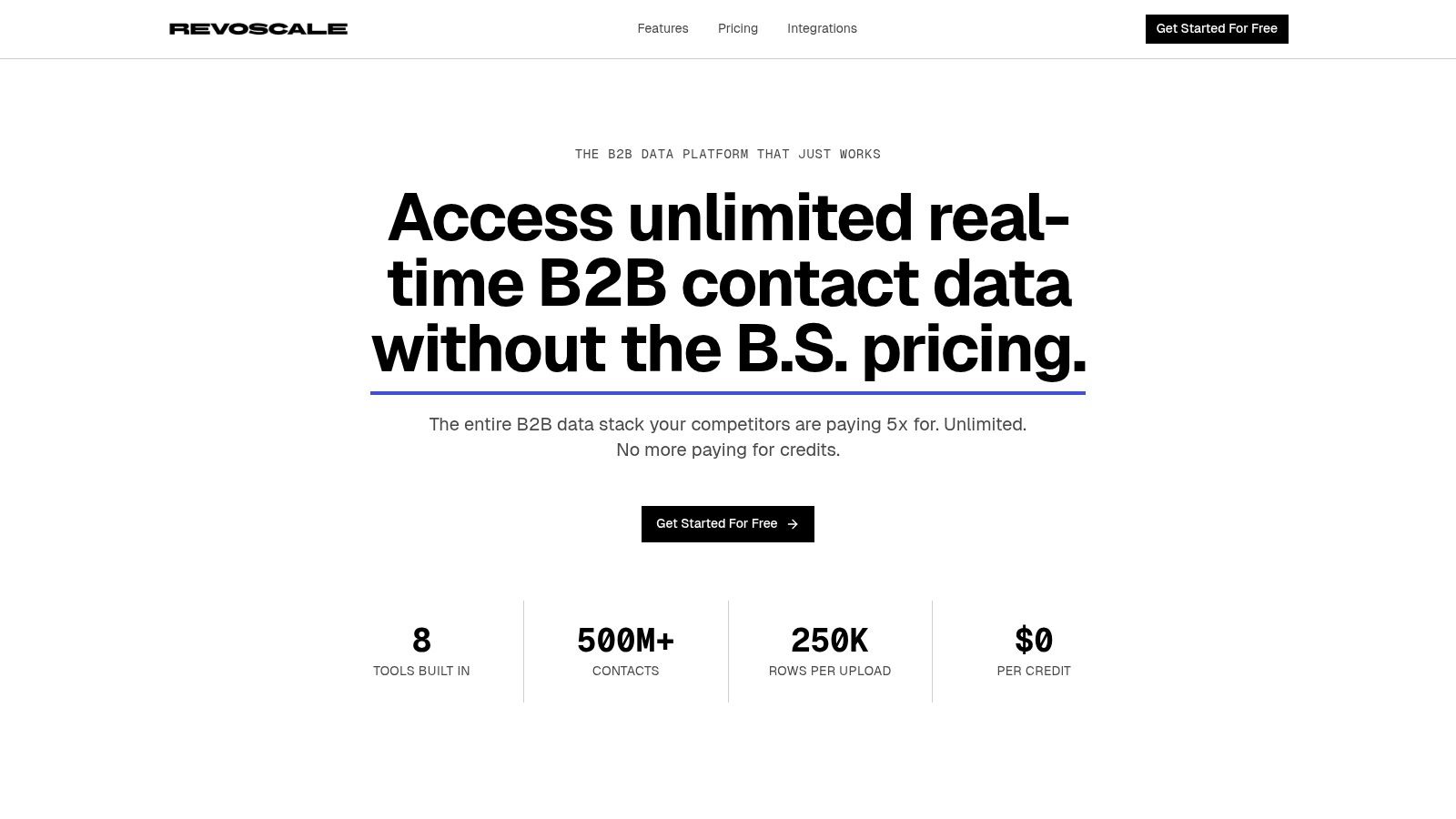
RevoScale is the tool I’d put in front of a lean RevOps team that’s tired of stitching together enrichment, verification, lookup, and outbound tooling. It’s built as an AI-native system, not a database plus a few add-ons. That distinction matters when your team needs one workflow to enrich leads, clean CRM records, find contact details, and launch outbound without exporting files between tools.
The core appeal is operational simplicity. RevoScale waterfalls across 50+ data providers, enriches records with 100+ fields, validates in real time, and is built around 97%+ accuracy with sub-2-second enrichment speed. It also supports bulk processing up to 250,000 records, which changes how you can handle list building and ongoing hygiene if your current stack slows down under volume.
Where RevoScale fits best
This is a strong fit for SMB and mid-market teams that don’t have a dedicated RevOps engineer babysitting integrations. It’s also practical for agencies that need multi-client workflows without worrying about credit burn every time they run a cleanup or launch a fresh list.
A few pieces stand out:
- All-in-one coverage: You get enrichment, email finding, email verification, mobile phone lookup, personal email lookup, catch-all detection, Google Maps scraping, and outbound automation in one platform.
- Predictable pricing: Plans start at $49/month, with team and agency tiers at $99/month and $349/month. That’s a very different buying experience from credit-heavy tools that make large imports feel expensive before outreach even starts.
- Enterprise controls on every plan: SOC 2 Type II, SSO, RBAC, audit logs, and REST API access are already part of the product story, which is unusual at this price point.
Practical rule: If your reps hesitate to enrich a list because they’re worried about using credits, your pricing model is quietly reducing pipeline coverage.
What works and what to watch
The biggest advantage is that RevoScale replaces stack sprawl. You can connect your CRM, upload a list, or use the API, then enrich and route records without building a complicated middleware layer. For teams comparing specialist tools, that’s the difference between a process that gets used and a process that sits in a RevOps diagram.
I also like that RevoScale supports direct workflows into HubSpot, Salesforce, Zapier, Clay, Instantly, and SmartLead through its integrations. That makes it easier to use as the enrichment and validation layer even if you keep another system for sequencing.
The trade-off is straightforward. Unlimited usage doesn’t mean unlimited operational capacity on every tier. Row limits per list and concurrent list limits still matter, so very large, continuous batch workflows may push you into a higher plan. Buyers should also ask for a pilot if they need proof in a niche geography or vertical, especially if they’re replacing a long-standing incumbent.
If you want one place to start, RevoScale’s unlimited email finder and its broader data enrichment platform overview show the clearest picture of how the product is meant to replace multiple subscriptions.
2. ZoomInfo SalesOS
ZoomInfo SalesOS is the enterprise default for a reason. If you need broad US contact and company coverage, mature administration controls, and a large add-on ecosystem, it’s usually on the shortlist. Many teams use it as the central data backbone and layer other tools around it for verification, outreach, or intent orchestration.
Where ZoomInfo tends to work best is scale. Large SDR teams can standardize prospecting, territory builds, and account research from a single vendor. The product also extends beyond contact data into intent modules, website visitor identification, and AI-assisted workflows.
Best use case
ZoomInfo makes the most sense when procurement is comfortable with annual contracts and when your team values breadth over simplicity. In enterprise environments, that trade is often acceptable because governance and centralization matter as much as rep experience.
A few practical notes:
- Strong primary database role: It’s often the first place teams search for contact and firmographic coverage.
- Broad ecosystem: It plugs into CRM and sales engagement workflows without much debate over category fit.
- Useful for large territories: Reps and managers can build account lists at volume and keep a shared operating model.
That said, ZoomInfo can get expensive once add-ons and extra seats enter the conversation. That’s not a knock on product quality. It’s just the buying reality.
Use ZoomInfo when you want a big front door into the market. Don’t assume it should also be your only enrichment, validation, and automation layer.
I’ve also seen teams pair ZoomInfo with a second source for gap-filling or verification, especially when deliverability and phone accuracy affect outbound performance. That’s common enough that it should be part of your evaluation, not treated as a failure of the product.
If your team is mapping how prospecting should work after list creation, RevoScale’s guide to sales prospecting best practices is worth reviewing alongside any ZoomInfo trial.
3. LinkedIn Sales Navigator
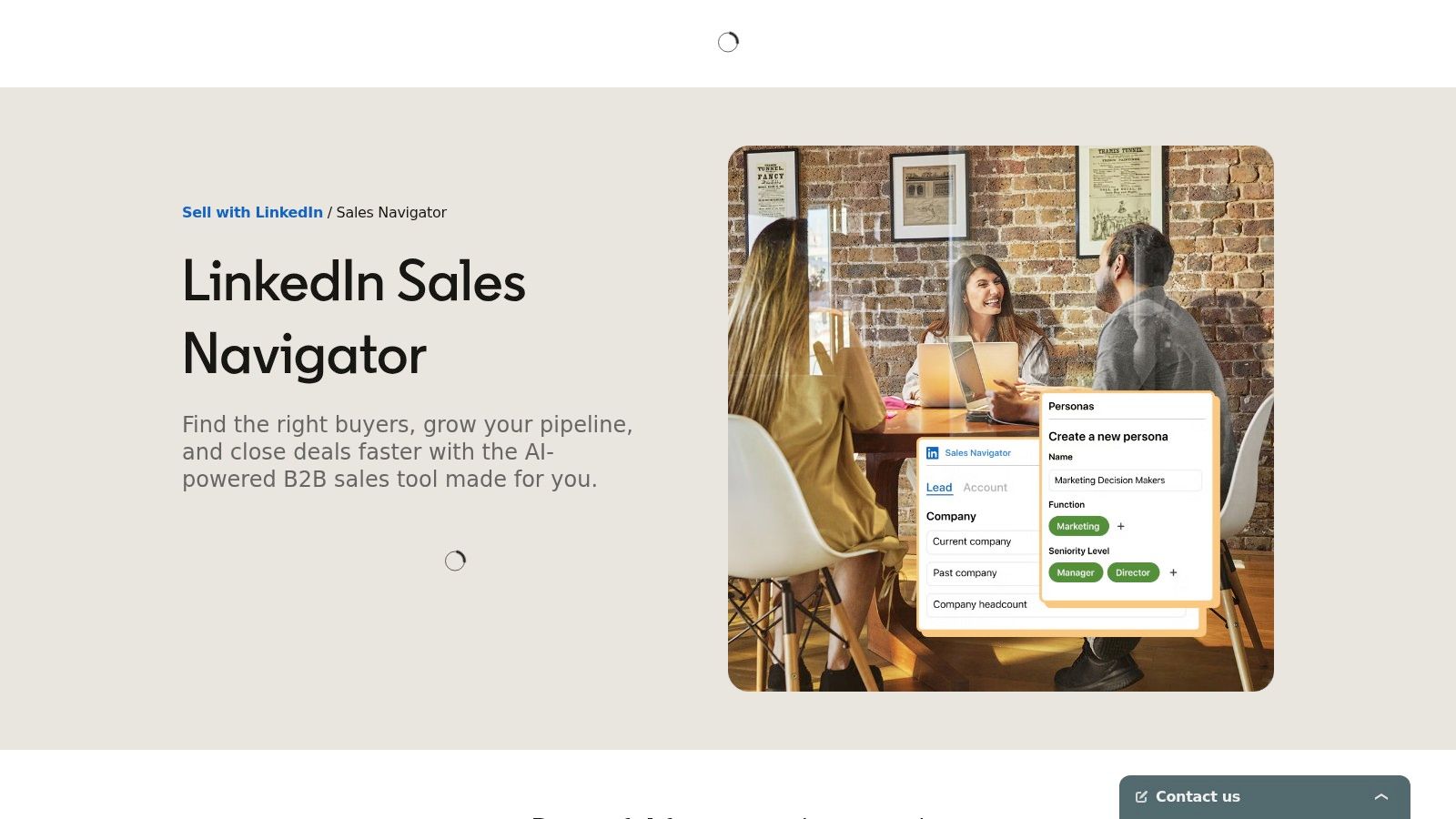
A rep has the right account, the right timing, and still misses the meeting because they reached out to the wrong person. That is the problem LinkedIn Sales Navigator solves better than almost any tool in this category.
Sales Navigator earns its place as the relationship intelligence layer in a sales intelligence stack. It helps teams identify the people who influence deals, track job changes, monitor account activity, and find warm paths through TeamLink. For RevOps, that matters because better contact data does not fix weak account mapping. Reps still need to know who owns the budget, who just got promoted, and who entered the buying committee last week.
This is usually where I see the buying decision get clearer. If the team already has a data vendor, Sales Navigator sharpens targeting and improves timing. If the team does not have a data vendor, Sales Navigator still will not give reps a full workflow for email coverage, phone coverage, enrichment, and routing into CRM.
That trade-off matters in implementation.
Sales Navigator works best at the top of the workflow:
- Account selection and stakeholder mapping: Reps can build cleaner account plans and identify likely champions, blockers, and economic buyers.
- Signal capture: Job changes, hiring activity, and company updates help teams prioritize outreach based on what changed, not just static fit.
- Relationship-based outreach: TeamLink and shared connections create better opening angles than cold outreach built from a bare contact record.
Where it falls short is operational execution. Teams still need another layer to turn LinkedIn context into usable records for outbound. In practice, that often means exporting or syncing targets into an enrichment and validation workflow, then pushing verified contacts into sequencing.
That is why Sales Navigator is rarely the whole answer. It is one of the strongest inputs into the stack.
For example, a practical workflow looks like this: reps use Sales Navigator to identify accounts and map the committee, a platform like RevoScale verifies and enriches those people without forcing credit-by-credit trade-offs, and the final approved records flow into CRM and sales engagement. That setup gives reps better context before first touch and gives RevOps more control over data quality, duplicate handling, and spend.
The ROI from Sales Navigator is real, but the return usually shows up through workflow quality rather than database volume. Teams get more relevant outreach, fewer wasted touches to the wrong persona, and better account coverage in complex deals.
If you want reps to turn LinkedIn context into a warmer ask instead of a generic pitch, this guide on how to ask for a recommendation on LinkedIn is worth using in enablement.
4. Apollo.io
Apollo.io is one of the most common starting points for startup and SMB outbound teams. That makes sense. It combines prospect search, contact data, sequencing, and a browser extension in one place. For an early team, that can replace several point tools and get outbound moving fast.
The main reason teams buy Apollo is convenience. You can search for contacts, enrich records, build lists, and launch sequences without standing up a more complex stack. If speed to first campaign matters more than perfect process design, Apollo is attractive.
Where Apollo works well
Apollo fits best when the team needs one interface for prospecting and basic outbound execution. It’s particularly common in US startup environments where reps want a low-friction workflow and leaders want a cheaper way to consolidate tools.
I’d look at Apollo if your needs are straightforward:
- Fast startup motion: One login for data and sequencing lowers onboarding friction.
- Rep-friendly interface: The browser extension and built-in workflows help SDRs stay in motion.
- Broad functional scope: Search, outreach, and reporting all live in the same product.
The trade-off is that Apollo often becomes both the engine and the bottleneck. Credit rules and entitlements can shape rep behavior more than leaders expect, and some teams eventually outgrow the all-in-one convenience when they need cleaner enrichment logic, stronger validation, or a more controlled RevOps workflow.
That doesn’t make Apollo a poor choice. It just means you should decide whether you want a starter system or a durable system. For many teams, Apollo is the former. Some never need more. Others eventually move the enrichment or workflow layer elsewhere while keeping Apollo in a narrower role.
5. 6sense Sales Intelligence
6sense Sales Intelligence usually enters the evaluation when the team already has enough accounts and enough contacts, but reps still spend too much time on the wrong ones. The problem is prioritization. Which accounts are showing buying intent, which ones are early, and which ones should sales ignore for now?
That is the use case 6sense is built for. It combines predictive scoring, intent signals, website visitor identification, and seller guidance so marketing, sales, and RevOps can work from the same account view. For an account-based motion, that matters more than adding another database with more names.
6sense's primary value is focus. It helps teams narrow a large target account list into a smaller set that deserves action now. In practice, that can improve pipeline efficiency if the team is disciplined about what happens after an account is flagged.
I would not treat 6sense as a standalone answer. It is a prioritization layer inside a broader sales intelligence stack.
That distinction matters during selection. If SDRs still struggle to find verified contacts, enrich records, or push clean data into the CRM, 6sense will not fix those gaps on its own. It works better alongside systems that handle data capture and workflow execution. For example, a team might use 6sense to identify in-market accounts, then use a data and enrichment layer such as RevoScale to route verified contacts into outreach without forcing reps to ration credits.
A few practical trade-offs usually decide whether it pays off:
- Strong fit for mature ABM teams: 6sense works best when account targeting, territory ownership, and stage definitions are already clear.
- Operational overhead is real: Intent only creates value when someone turns it into routing rules, alerts, lists, and rep actions.
- Pricing needs careful scoping: Costs can rise quickly once sales, marketing, and RevOps all need access.
- Adoption is the hard part: If reps do not trust the scores or managers do not build plays around them, the platform becomes an expensive dashboard.
Buy 6sense if your bottleneck is deciding where to focus across a large account universe. Pass, or delay, if your bottleneck is still basic data quality or outbound execution. Smaller teams often get more ROI by fixing enrichment, validation, and workflow design first, then adding an intent and prioritization layer once the foundation is stable.
6. Bombora
Bombora is the specialist on this list. It’s not trying to be your all-in-one sales intelligence platform. It’s intent data, specifically company-level intent data, and that distinction is important.
Bombora’s Company Surge data is useful when your sales and marketing teams already have account lists and need better timing signals. It helps answer a narrow but valuable question: which accounts are actively researching topics related to what we sell?
When Bombora improves a stack
Bombora is most effective as a layer inside another system. On its own, it won’t give SDRs the full workflow they need. It won’t find the right person, verify the email, enrich the CRM, and launch a sequence. But it can make the rest of that motion smarter.
That’s why I like Bombora for teams that already have:
- A defined ICP: Intent data is far more useful when your account universe is already constrained.
- A contact data source: Reps still need people to call and email inside those surging accounts.
- A routing plan: Someone has to decide how surge topics turn into lists, plays, and owner assignments.
Bombora’s upside is timing. Its downside is translation. Company-level intent still has to be turned into rep action, and that usually requires orchestration inside CRM, enrichment, and sequencing systems.
If your team is still struggling with basic data hygiene, Bombora probably shouldn’t be the first purchase. If account prioritization is your bottleneck, it can be a strong second or third layer in the stack.
7. Cognism
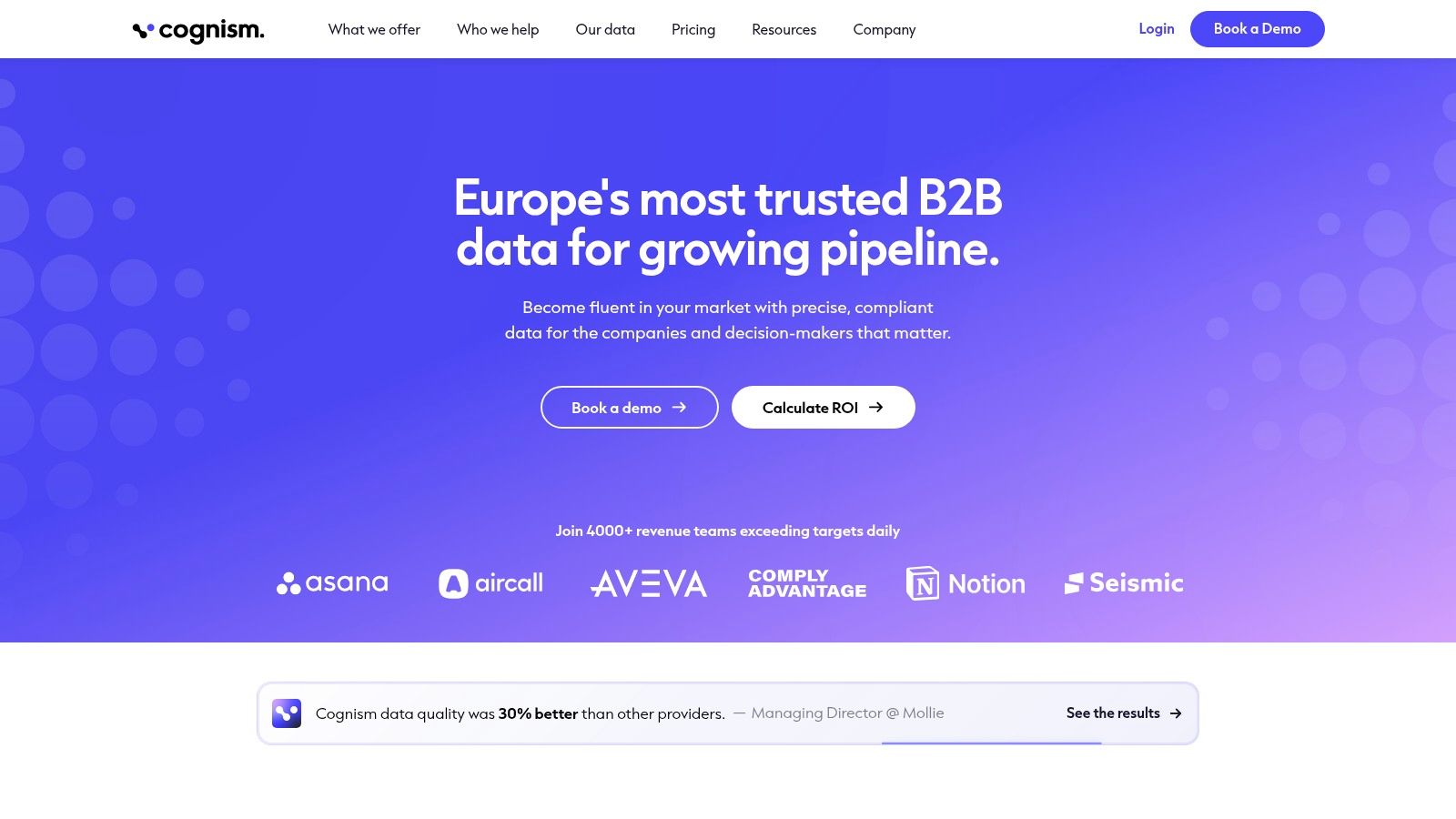
A team rolls out outbound across the UK, Germany, and the US. Email coverage is acceptable, but call connect rates are inconsistent, reps question the mobile data, and legal wants tighter control over how prospect data is sourced and used. That is the buying context where Cognism usually makes sense.
Cognism earns attention from RevOps teams that need international coverage, stronger mobile data, and a cleaner compliance story than many general-purpose databases provide. Its reputation is especially strong in EMEA, which matters if your sales motion crosses regions instead of staying US-only.
The trade-off is straightforward. Cognism tends to be easier to justify in phone-first outbound than in email-first prospecting. If SDR productivity depends on direct dials and mobile accuracy, better contact coverage can pay for itself quickly. If the motion is mostly email sequencing, the premium often gets harder to defend.
I would also evaluate Cognism as one layer in the stack, not automatically the whole answer. It can solve the contact-data problem for specific teams, but you still need workflow design around enrichment, routing, sequencing, and usage controls. In practice, that often means pairing a data source like Cognism with a platform that gives reps unrestricted lookup behavior, such as an unlimited email finder for day-to-day prospecting volume, especially when you want predictable cost behavior instead of rep-by-rep credit rationing.
A few selection criteria matter more here than feature screenshots:
- Outbound channel mix: Cognism fits best when calls are a major part of pipeline creation.
- Regional coverage needs: EMEA-heavy teams often see more value than teams focused only on the US.
- Compliance requirements: Legal review tends to go faster when procurement can point to a vendor with a clear compliance position.
- Buying process tolerance: Expect a sales-led evaluation, custom pricing, and a more involved procurement cycle.
Cognism is a rational choice for companies building an international, phone-driven motion. It is less compelling for teams that mainly need low-cost email lookup at scale. The right decision comes down to channel economics, territory mix, and whether this tool fits the rest of your sales intelligence stack.
8. Lusha
Lusha is often better as a supplement than a centerpiece. That’s not a criticism. It’s why many SDR teams like it. The product is straightforward, the Chrome extension is easy to roll out, and the credit model is easier to understand than some competitors.
For individual lookups and lightweight enrichment, Lusha is convenient. Reps can move quickly, especially when they need one more source to improve hit rates on emails or direct dials.
Best role in the stack
I’d use Lusha when the team already has a main system but wants another source for rep-level lookup. It’s practical for quick saves, but it usually isn’t the platform I’d build the whole RevOps process around.
The biggest caution is cost behavior. Credit-based products can feel cheap until phone-heavy prospecting ramps up. At that point, rep habits change. People stop checking alternate contacts or refreshing records because every lookup feels billable.
That’s why teams comparing Lusha should also look at a flat-rate option like RevoScale’s unlimited email finder. The difference isn’t only budget predictability. It’s whether reps use the system freely.
If a rep has to think about whether a lookup is “worth the credit,” you’re not running an unlimited prospecting workflow. You’re rationing data.
Lusha still has a place. It’s easy to trial, simple to explain, and useful as a supplemental source. Just be honest about what role you want it to play.
9. Clearbit by HubSpot
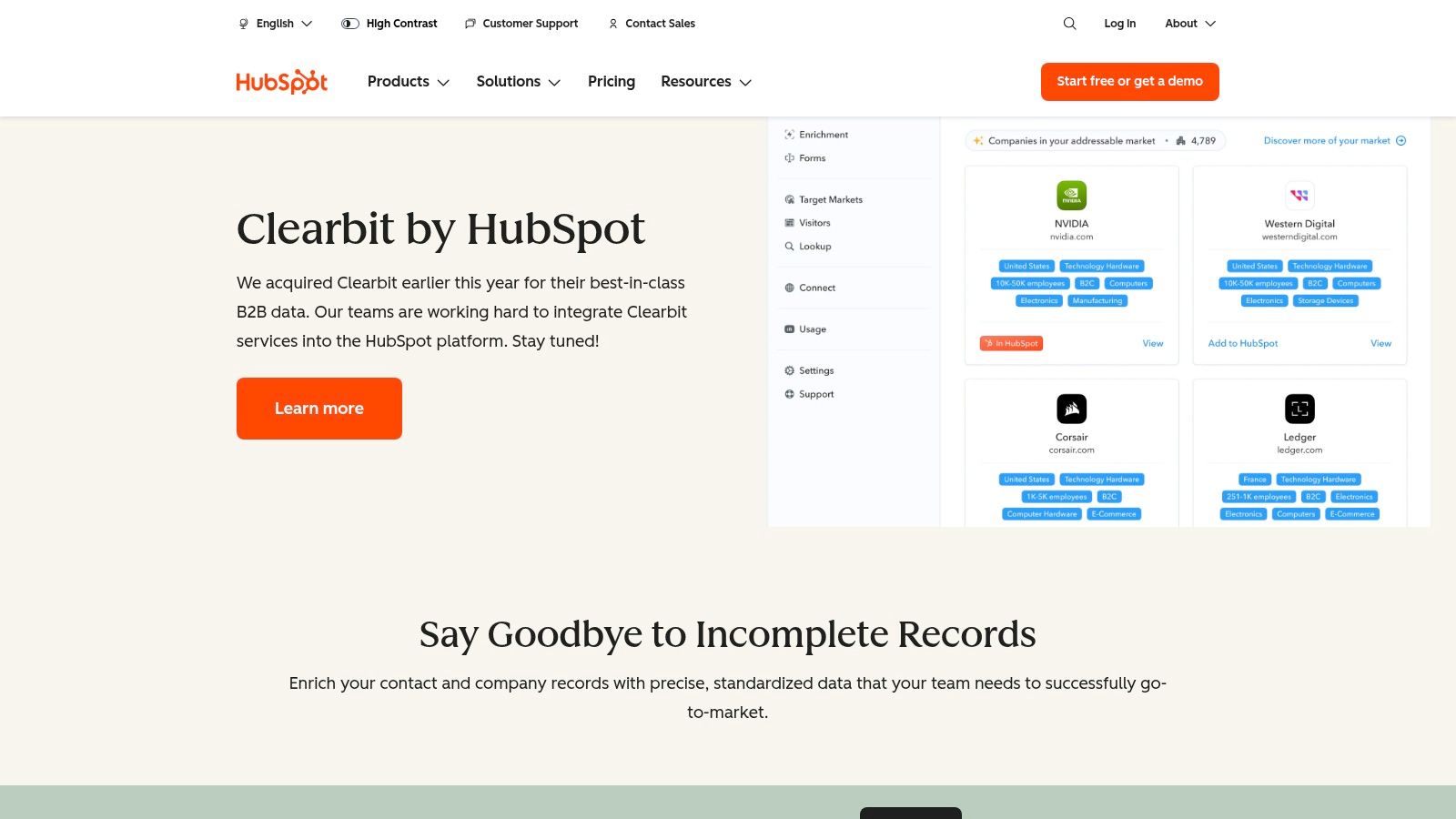
Clearbit by HubSpot makes the most sense for companies already committed to the HubSpot ecosystem. If your CRM, forms, routing, and marketing automation already live there, native enrichment can be cleaner than adding another vendor for the same workflow.
This is a classic systems decision. You may not get the broadest standalone buying flexibility, but you can get less operational friction if HubSpot is already the center of gravity.
Why HubSpot shops keep Clearbit in scope
Clearbit has long been known for real-time enrichment at the point of conversion. That remains its practical value. A visitor fills out a form, the record gets enriched, and routing or scoring can happen with more context than the raw submission provides.
That matters because stale and incomplete CRM data damages conversion. B2B contact data decays at a 30% annual rate, and 70% of B2B organizations active in account-based marketing have adopted data enrichment capabilities. For HubSpot-centric teams, Clearbit fits that need naturally.
The limitations are mostly commercial and architectural:
- Best for existing HubSpot customers: The buying path is tied to HubSpot’s platform strategy.
- Less standalone flexibility: Packaging has evolved after the acquisition, so teams should validate fit against current needs.
- Focused value: It’s strongest in enrichment and routing workflows, not as a full outbound operating system.
If your team is investing in HubSpot automation, this video channel on automating HubSpot data processing can help frame how enrichment should feed routing and ops logic.
10. Seamless.AI
Seamless.AI is usually shortlisted when SDR leaders want reps sourcing contacts directly from search, LinkedIn, and browser-based prospecting flows instead of relying only on list uploads or batch enrichment. It is built for active top-of-funnel work. Reps search, find a contact, pull details, and move that record into outreach.
That matters for teams that still generate a meaningful share of pipeline through rep-driven account selection.
From an operations standpoint, the product is less about elegance and more about coverage options. You can buy into basic prospecting first, then add enrichment, API access, buyer intent, or other packages later. Some teams like that because it reduces the number of vendors they need to evaluate in the first pass. Others find that the product can sprawl commercially before they have a clean view of usage, cost per meeting, and data quality by segment.
Where Seamless.AI fits
This platform fits best when the sales motion depends on high search volume and individual rep activity. If your SDR team spends a large part of the day building lists manually, it can support that workflow well.
The trade-off is procurement and forecasting clarity. In RevOps, I would not evaluate this category only on feature availability. I would pressure-test three things early: how credits are consumed, which add-ons are required for your motion, and how confidently reps can trust the contact data without adding another verification layer.
A few practical considerations usually decide the outcome:
- Strong fit for rep-led prospecting: It supports search-driven list building and contact lookup well.
- Wide packaging menu: Teams can buy additional capabilities over time instead of committing to a full stack on day one.
- Budgeting can get messy: Credits, subscriptions, and add-on modules can make true annual cost harder to model than it first appears.
This is also where stack design matters more than the standalone demo. If your team already uses Sales Navigator for account discovery and an engagement platform for sequencing, this tool may fill the contact-finding layer. If you want fewer moving parts and more predictable operating cost, an AI-native platform such as RevoScale may be easier to standardize across enrichment, workflow automation, and outreach without introducing another credit-controlled data source.
AI-assisted prospecting continues to gain budget, as noted earlier. That trend does not change the core buying question. The right choice is the one your reps will readily use, your ops team can govern, and finance can model without surprises.
Top 10 B2B Sales Intelligence Tools Comparison
| Product | Core features | Accuracy & coverage | Ideal users | Pricing & unique selling point |
|---|---|---|---|---|
| RevoScale (Recommended) | AI-native enrichment (100+ fields), drag‑&‑drop workflows, unified outreach (email/LinkedIn/phone), REST API, bulk up to 250k | >97% accuracy, sub‑2s enrich, waterfalls across 50+ providers, 500M+ contacts | SDRs, RevOps, marketers, agencies, startups needing all‑in‑one stack | Flat‑rate unlimited plans ($49–$349/mo), API on every plan, SOC2/SSO/RBAC, replaces multiple vendors |
| ZoomInfo SalesOS | Massive contact/company graph, technographics, intent, web visitor deanonymization, Copilot AI | Broadest US coverage, mature governance and admin tools | Enterprise SDR/AE teams needing a primary data backbone | Opaque pricing, annual contracts; USP: unrivaled US scale & enterprise features |
| LinkedIn Sales Navigator | LinkedIn graph filters, TeamLink/org mapping, job/company alerts, Account/Lead IQ | Best social/relationship signals and buyer change alerts; no native emails/phones | Account execs, relationship sellers, teams relying on warm intros | Per‑seat pricing with trials; USP: real‑time relationship & org context |
| Apollo.io | Contact/company search + enrichment, native sequences & dialer, Chrome extension | Good for startup/SMB scale; frequent feature updates; credit rules vary | Startups and SMBs wanting data + outreach in one UI | Competitive entry pricing; USP: integrated sequencing and dialer |
| 6sense Sales Intelligence | Predictive account scoring, intent signals, web visitor ID, Sales Copilot | Strong ABM prioritization and intent signals; free on‑ramp credits | ABM teams and enterprises prioritizing in‑market accounts | Custom pricing; USP: predictive scoring + intent for ABM alignment |
| Bombora (Company Surge) | Company Surge intent analytics from publisher co‑op, weekly surge signals, Insights Suite | High‑quality account‑level intent signals (company only) | Marketing and ABM teams for timing and prioritization | Custom pricing; USP: widely integrated, trusted intent signal source |
| Cognism | Phone‑verified "Diamond Data", compliance tooling (GDPR/CCPA/DNC), prospector & enrichment | Strong EMEA phone coverage and mobile dial accuracy | Teams dialing across US & Europe needing compliance/phone accuracy | Custom pricing; USP: phone‑verified mobile data and DNC awareness |
| Lusha | Chrome extension, workspace/API, clear credit model for email/phone lookups | Fast individual lookups; smaller breadth vs enterprise peers | SDRs needing quick supplemental lookups | Credit‑based pricing; USP: transparent credits and easy trial |
| Clearbit by HubSpot | Real‑time firmographic & technographic enrichment inside HubSpot | Reliable real‑time enrichment at conversion for HubSpot users | Teams using HubSpot CRM/Marketing Hub | Sold via HubSpot (tied buying path); USP: native HubSpot integration |
| Seamless.AI | Real‑time email & cell discovery, Chrome extension, CRM integrations, modular add‑ons | High search volume, flexible add‑ons; pricing varies by term | SDR teams seeking search + modular enrichment/intent options | Subscription + credits; USP: free tier and broad feature menu |
Choose Predictable Performance, Not Per-Credit Costs
A familiar failure pattern shows up six months after a new sales tool rollout. Reps are exporting lists from one system, checking emails in another, pulling intent from a third, and asking RevOps why the same account has three different employee counts in the CRM. The problem is rarely one bad vendor choice. It is a stack built without a clear operating model.
Tool selection should start with workflow design, not feature comparison. Decide where prospect data enters the system, how it gets verified, which signals affect prioritization, and where reps work day to day. If those steps live across too many disconnected tools, the team pays twice. Once in software fees, and again in rep time, ops cleanup, and slower outbound execution.
Pricing model matters here because it changes behavior. Credit-based products often push teams into rationing enrichment, skipping re-verification, or limiting access to a small group of users. That looks efficient on paper, but it usually creates uneven data quality and rep frustration. Flat-rate or usage-predictable platforms are easier to operationalize because managers can build repeatable workflows without worrying that every lookup increases cost.
Intent data and AI can improve results, but only when they are connected to execution. A surge signal has limited value if nobody can turn it into a routed account list, enriched contacts, verified emails, and active sequences inside the systems reps already use. Earlier benchmarks in this article made that point. Performance gains come from connected process, not from adding another badge to the stack.
I usually frame the selection decision in two layers.
First, identify the specialist tools you may still need. Sales Navigator is useful when rep-led research and relationship context drive prospecting. Bombora or 6sense can justify their place when account prioritization depends on intent or buying-stage signals.
Second, choose the system that handles daily production work. That means enrichment, validation, CRM updates, list building, and workflow automation. For many teams, that operational layer has more impact on pipeline than one more source of top-of-funnel data.
RevoScale fits that second layer well because it combines contact discovery, enrichment, verification, and workflow automation in a single AI-native system with flat-rate pricing, instead of metering every action through credits. That changes how teams build. RevOps can standardize enrichment rules, sales can work from fresher records, and finance gets a more predictable cost model.
The strongest stacks are not the ones with the longest vendor list. They are the ones reps can trust, ops can maintain, and leadership can scale without renegotiating usage every quarter.
If the goal is durable outbound performance, choose a stack that gives your team consistent data quality and a pricing model they will not have to work around. RevoScale is one example of that approach. It offers a free trial, flat-rate pricing, and one operating layer for teams trying to replace credit-heavy tool sprawl with a system they can run.